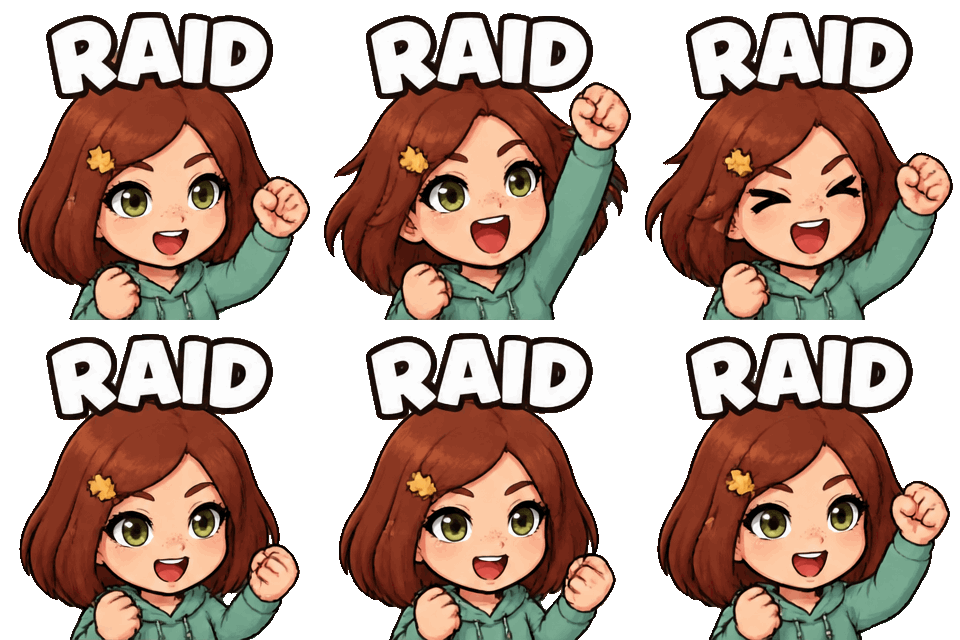
Your photo → chibi Raid emote
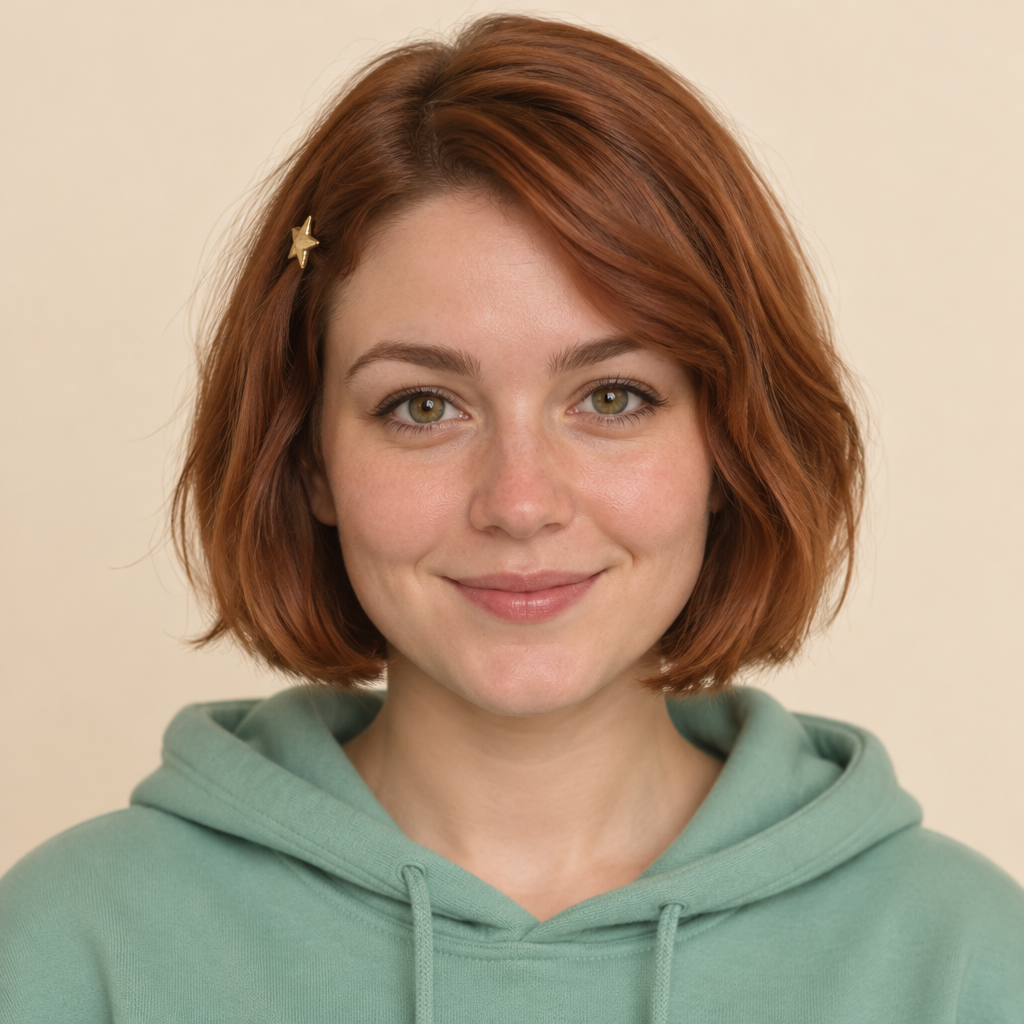
Chat moment
“Welcome a raid. Cheer with your community.”
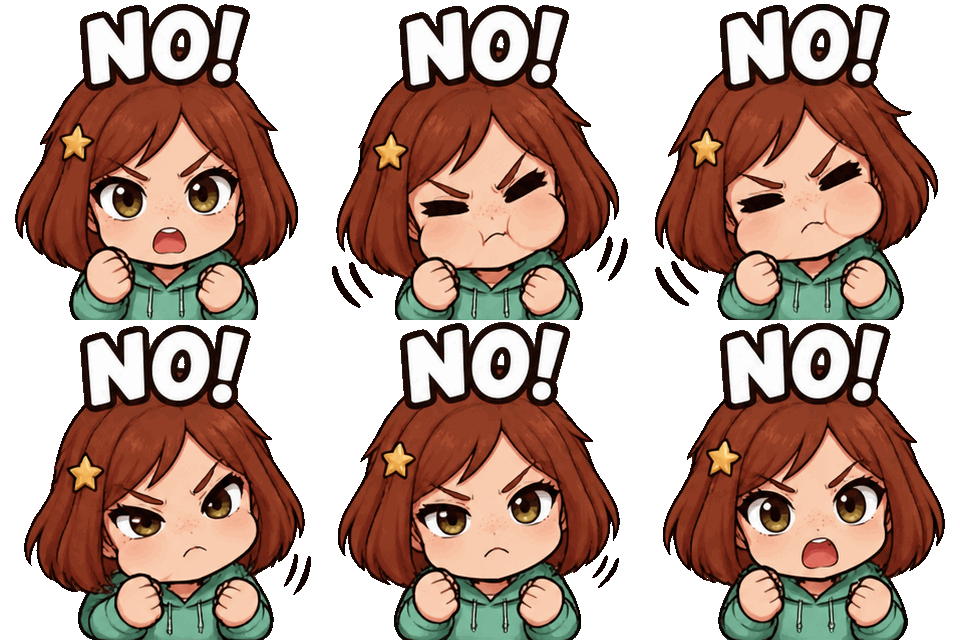
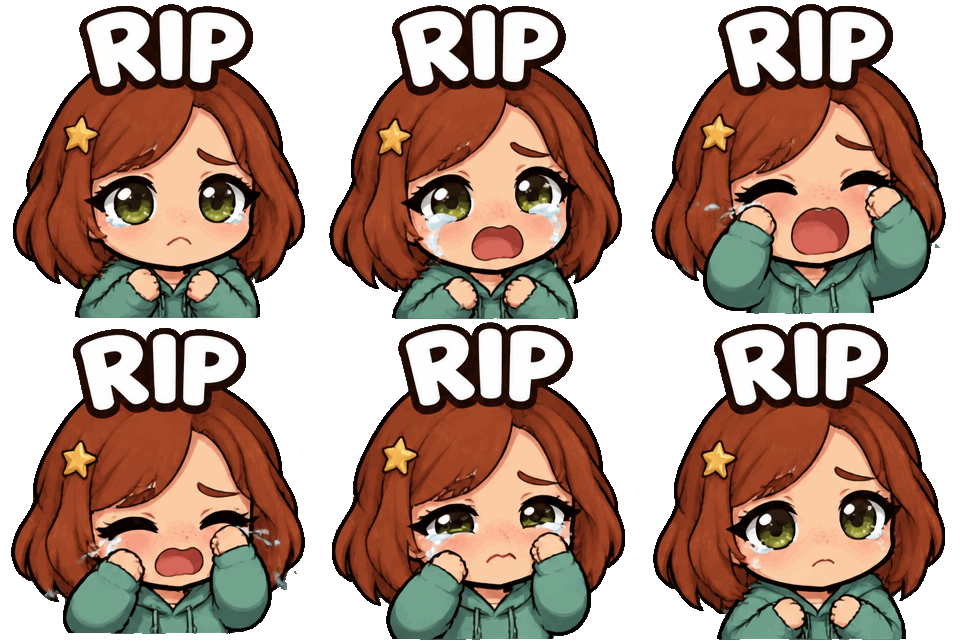
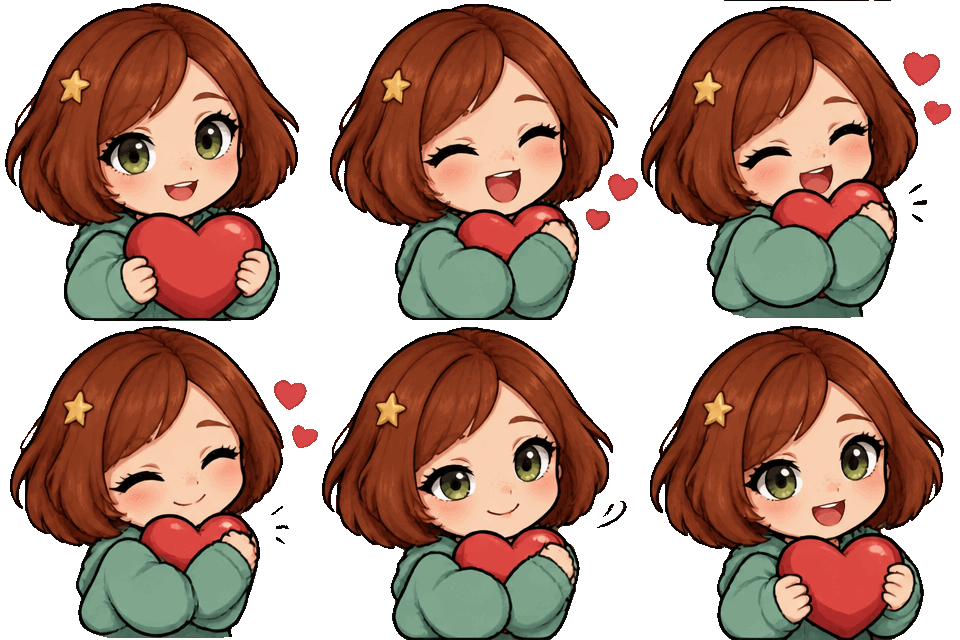
GPT Image 2.6 · Made for your Twitch chat
Start with a person, pet or original avatar. Pick a template below, upload your photo and choose the reactions your community will use.
Choose your emote templateYour photo → chibi Raid emote
Chat moment
“Welcome a raid. Cheer with your community.”
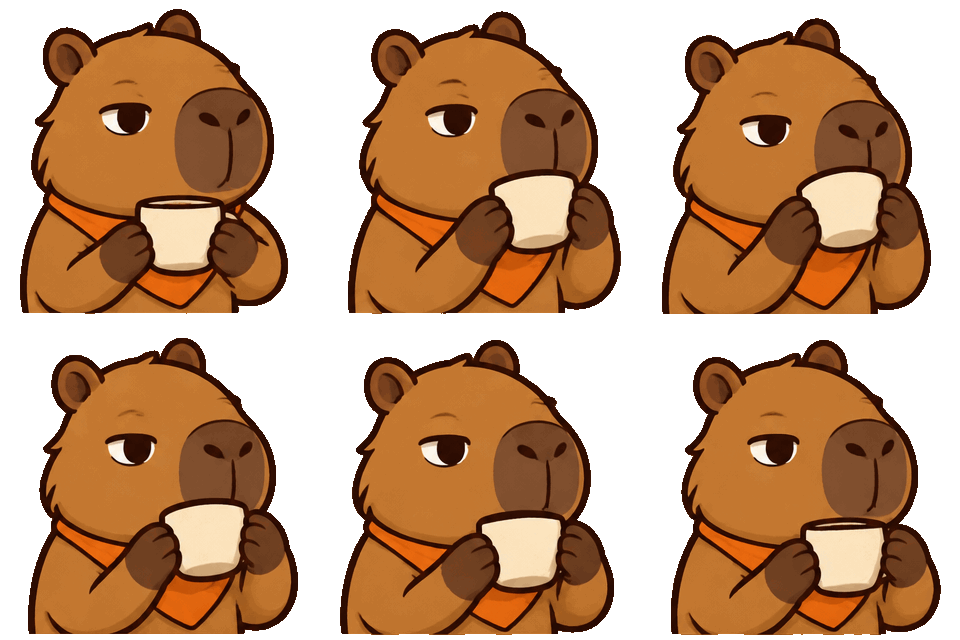
Your pet → Sip emote
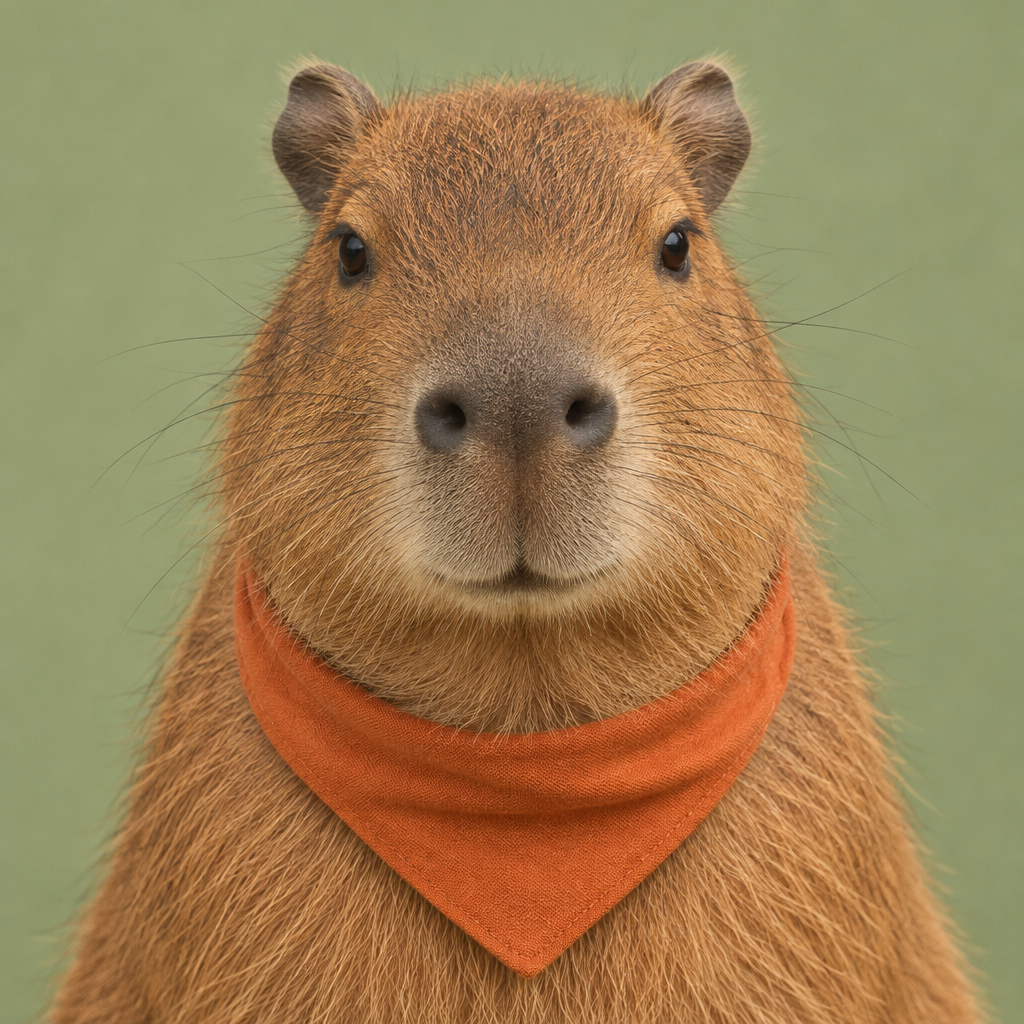
Chat moment
“Sip quietly. Watch the drama unfold.”
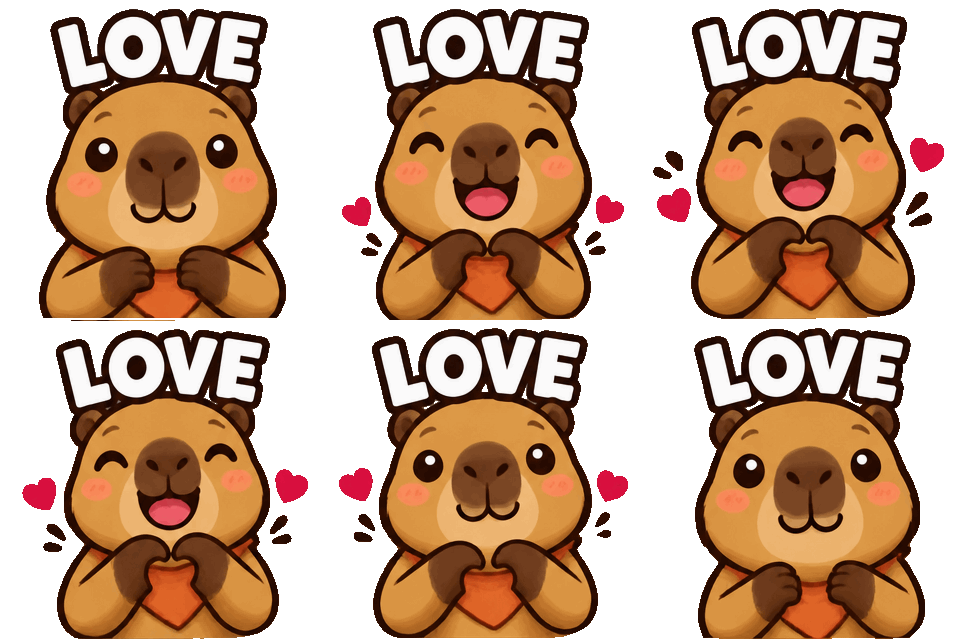
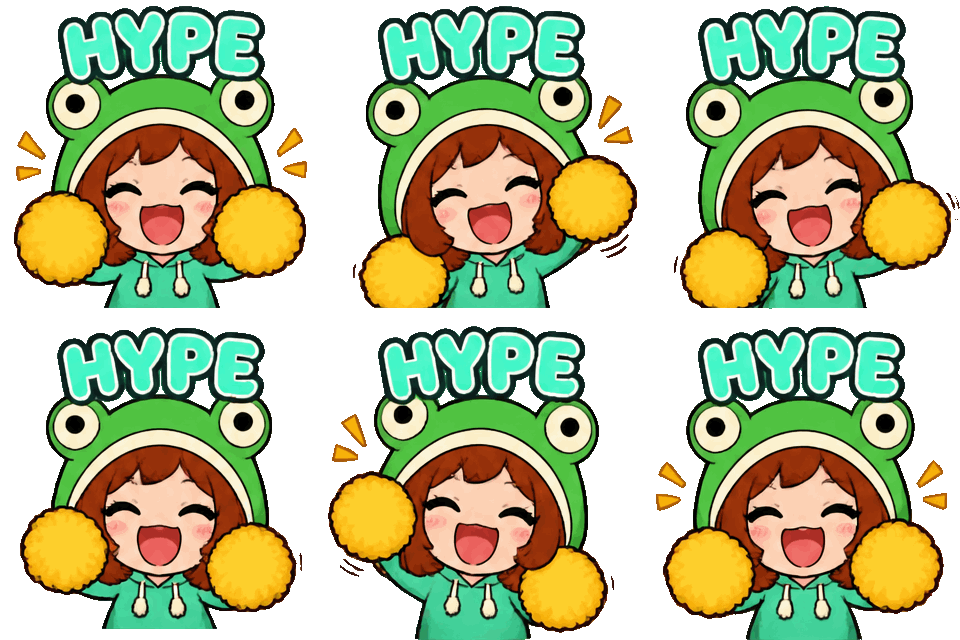
Frog bonnet · HYPE
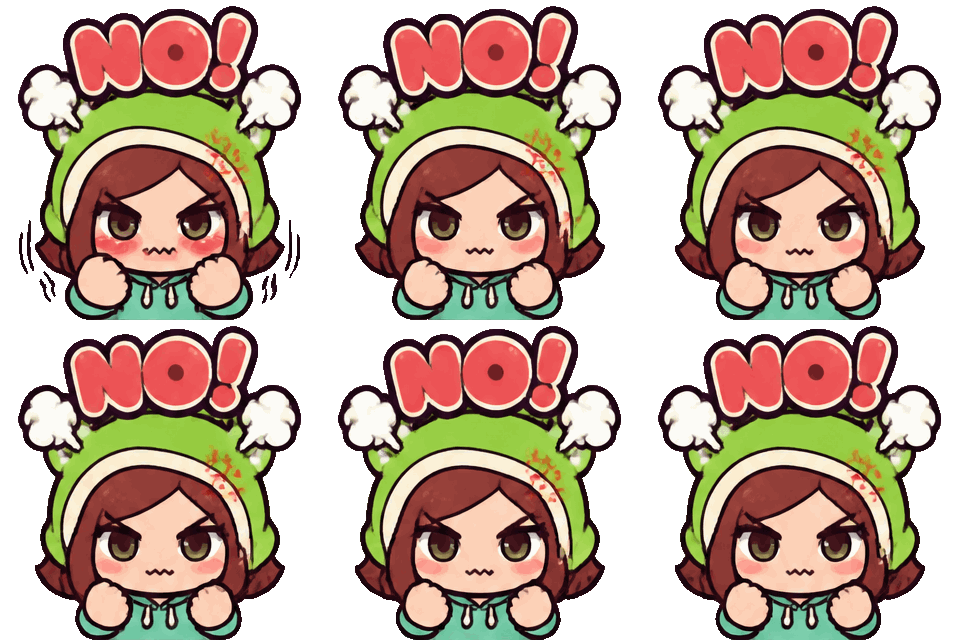
Frog bonnet · NO!
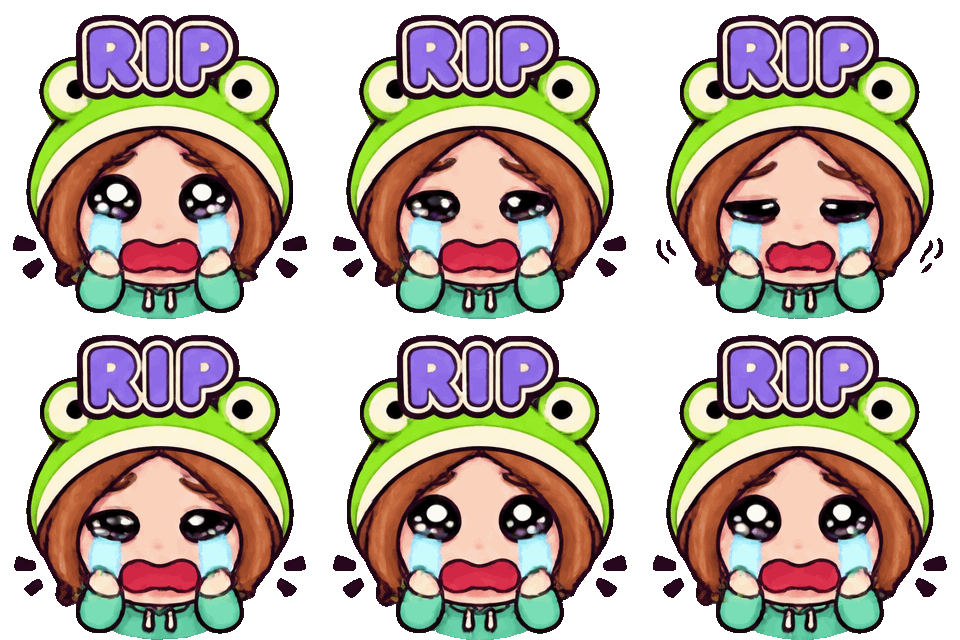
Frog bonnet · RIP
Raid · 16 frames
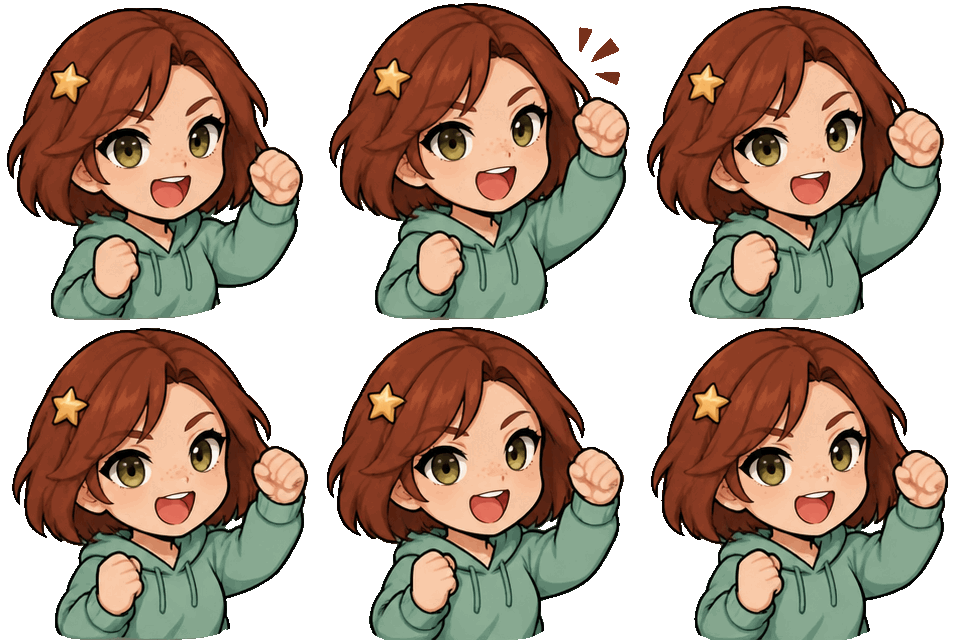
Raid charge
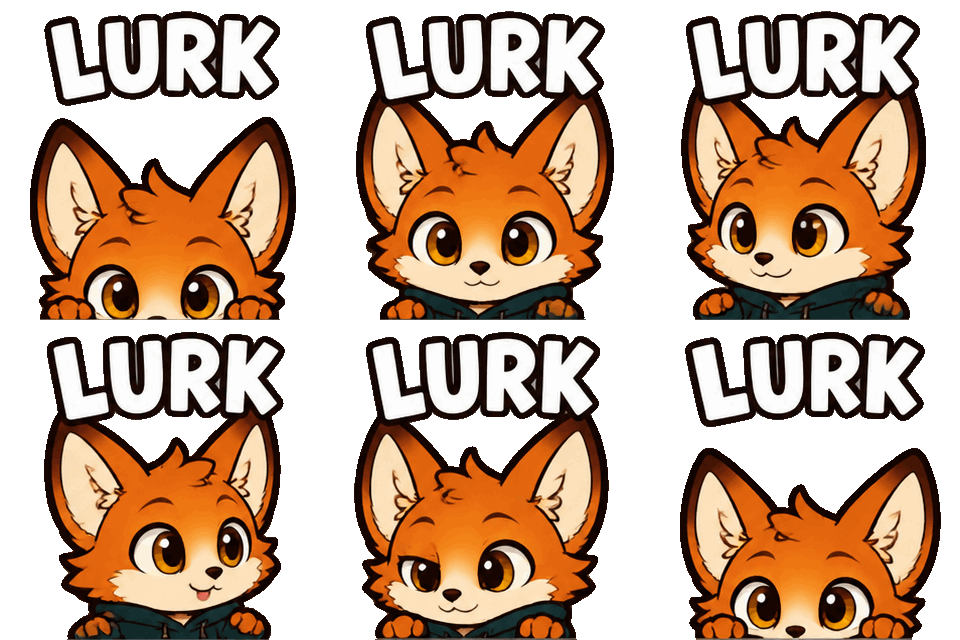
Lurk peek
Sip & side-eye
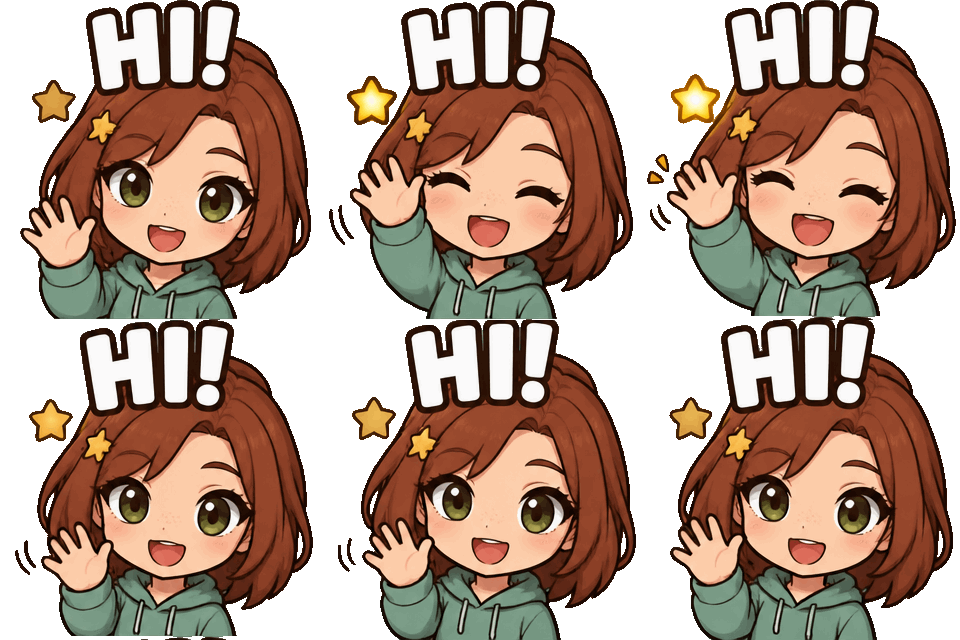
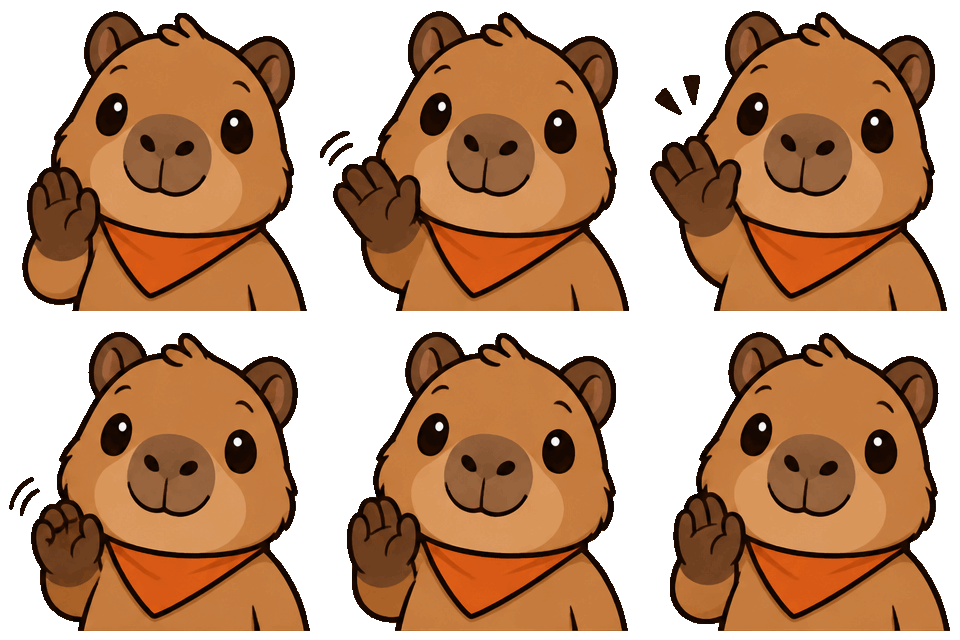
Wave hello
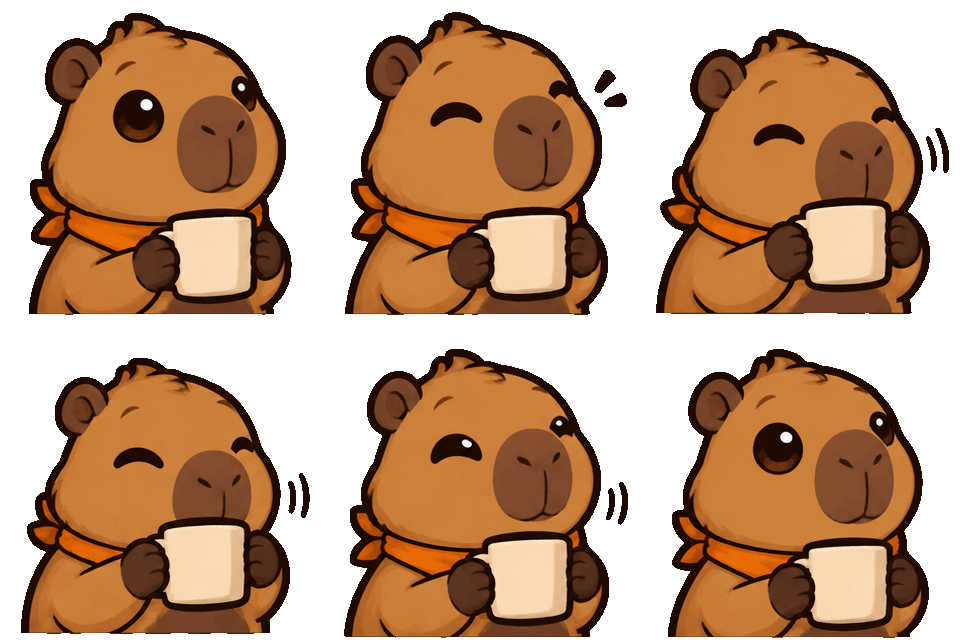
Lurk with mug
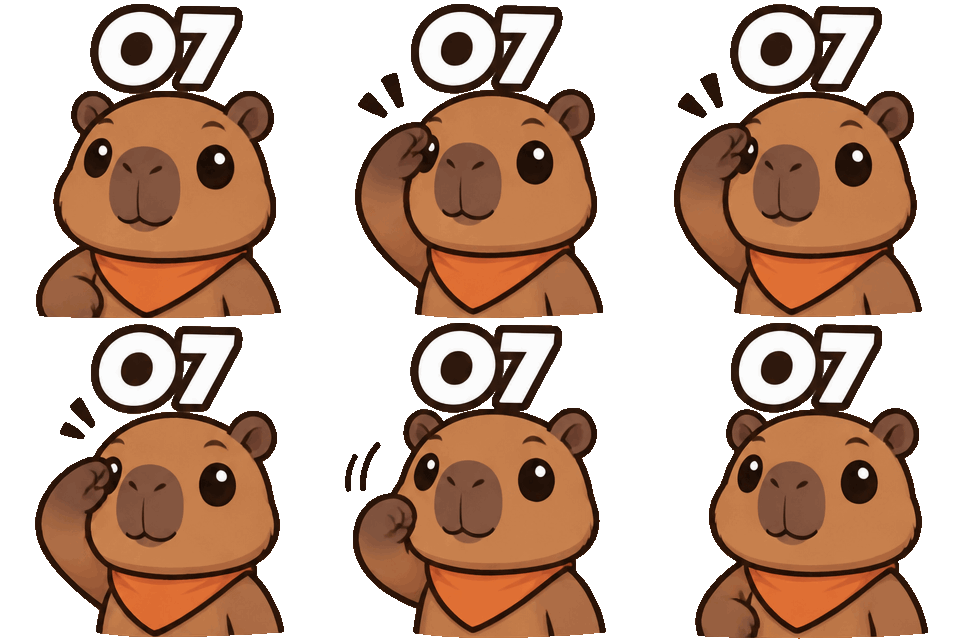
o7 salute
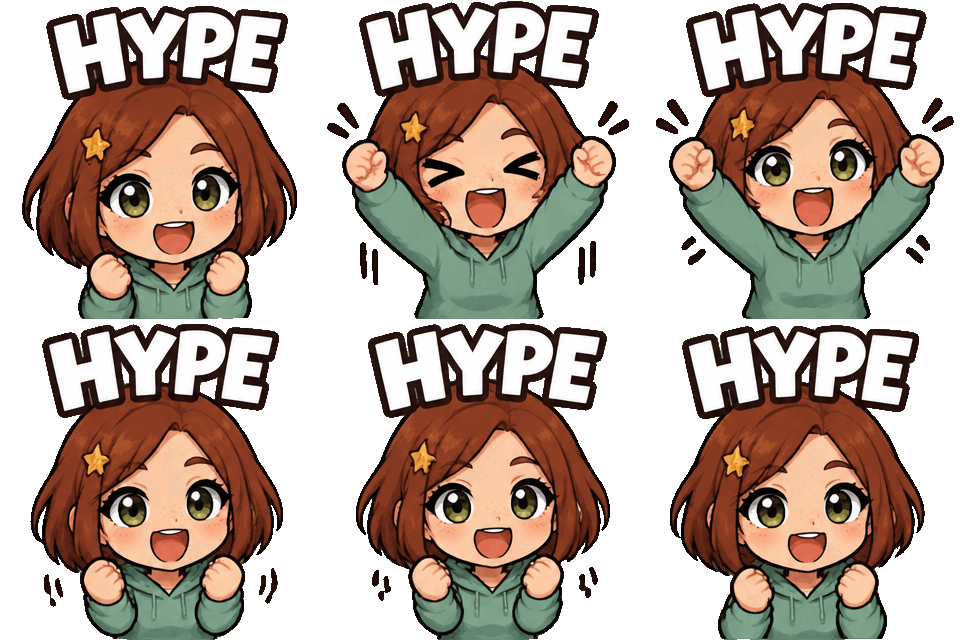
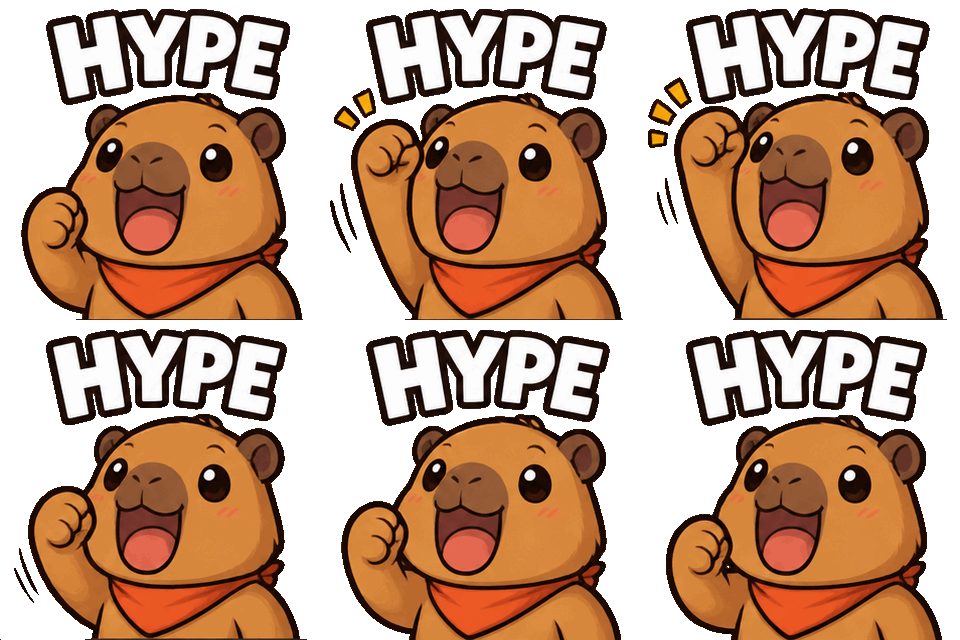
Hype fist pump
Heart hands
Sleepy goodbye
Wave & sparkle
Hug a heart
Hype bounce
Rage shake
Tearful RIP
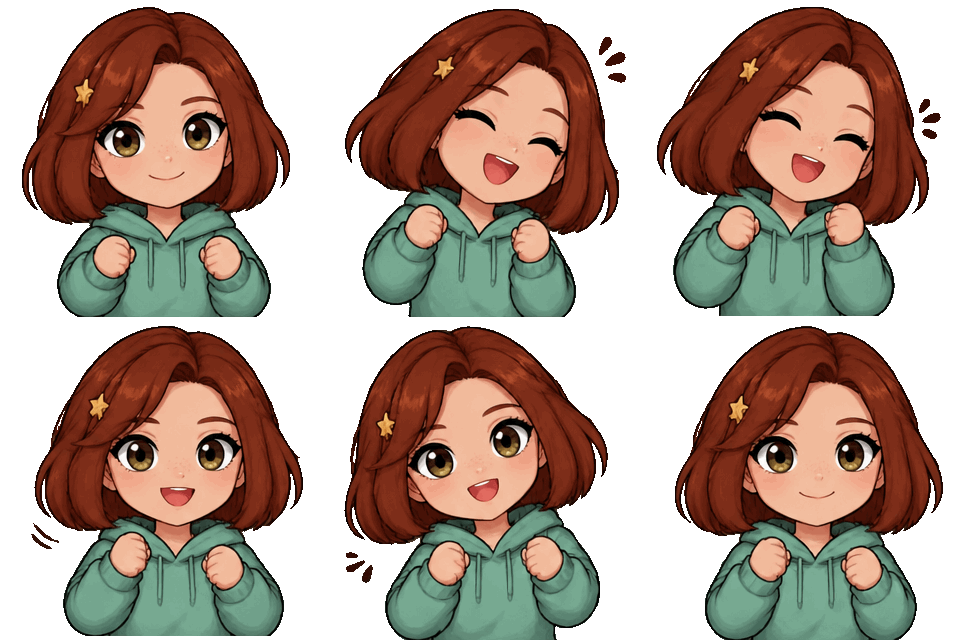
Dance vibe
Sign in with Google and get one free character-consistency test: four animated GIF emotes—Raid, Lurk, Sip, and Love—from your pet or original character reference. Compare your character across all four reactions, inspect them at 28px on light and dark backgrounds, and play each animation before deciding whether to pay for more generations.
One free four-GIF test per Google account. Google sign-in helps us limit duplicate claims and abuse.
These are historical, individually generated samples, not results from your task or proof of a consistent four-action batch. Compare the character, gesture and transparent edge before using a result. PNG files are native still images, not GIF screenshots.
Historical original · 1024 × 1024 px · 1 still image. Inspect size and quality before upload; no resized package is provided.
28 px chat preview — light and dark backgrounds
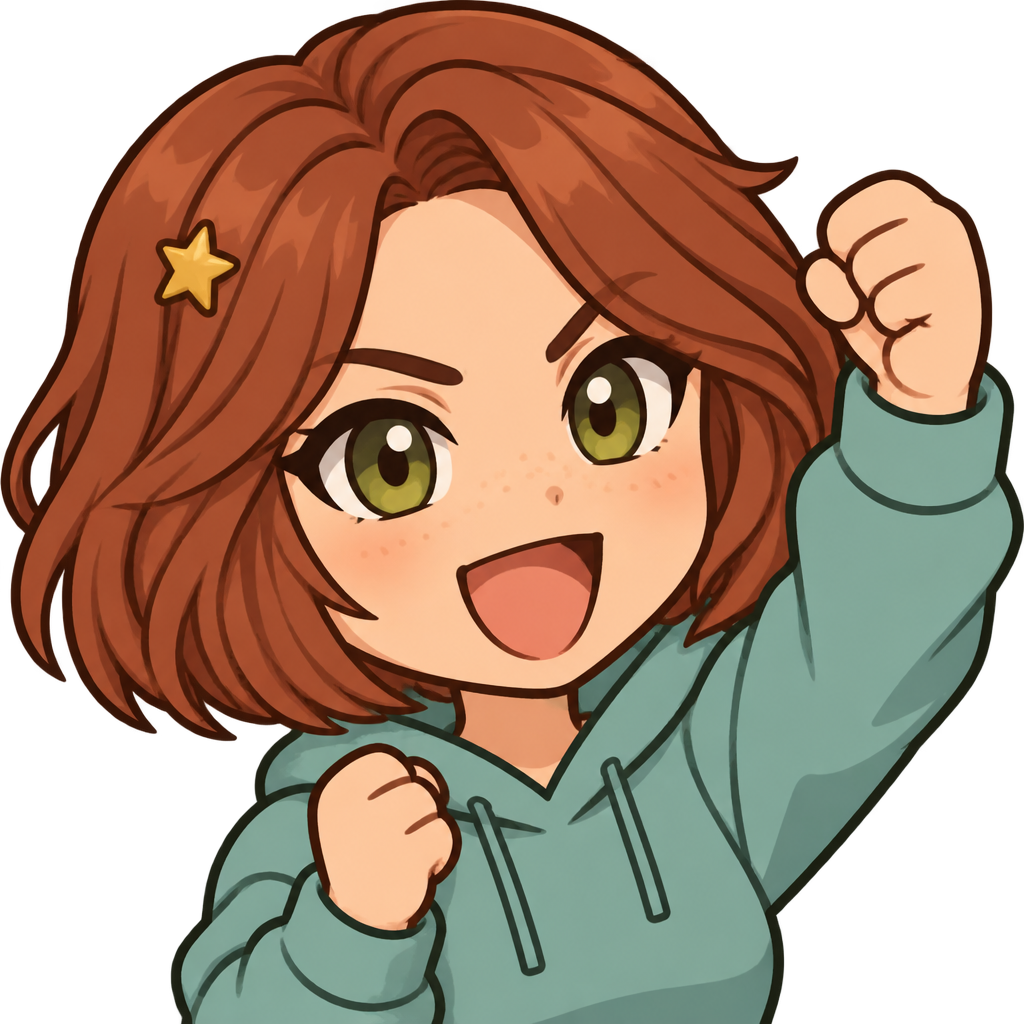
Native still image. These are display previews; downloads retain the original file bytes.
Historical original · 1024 × 1024 px · 1 still image. Inspect size and quality before upload; no resized package is provided.
28 px chat preview — light and dark backgrounds
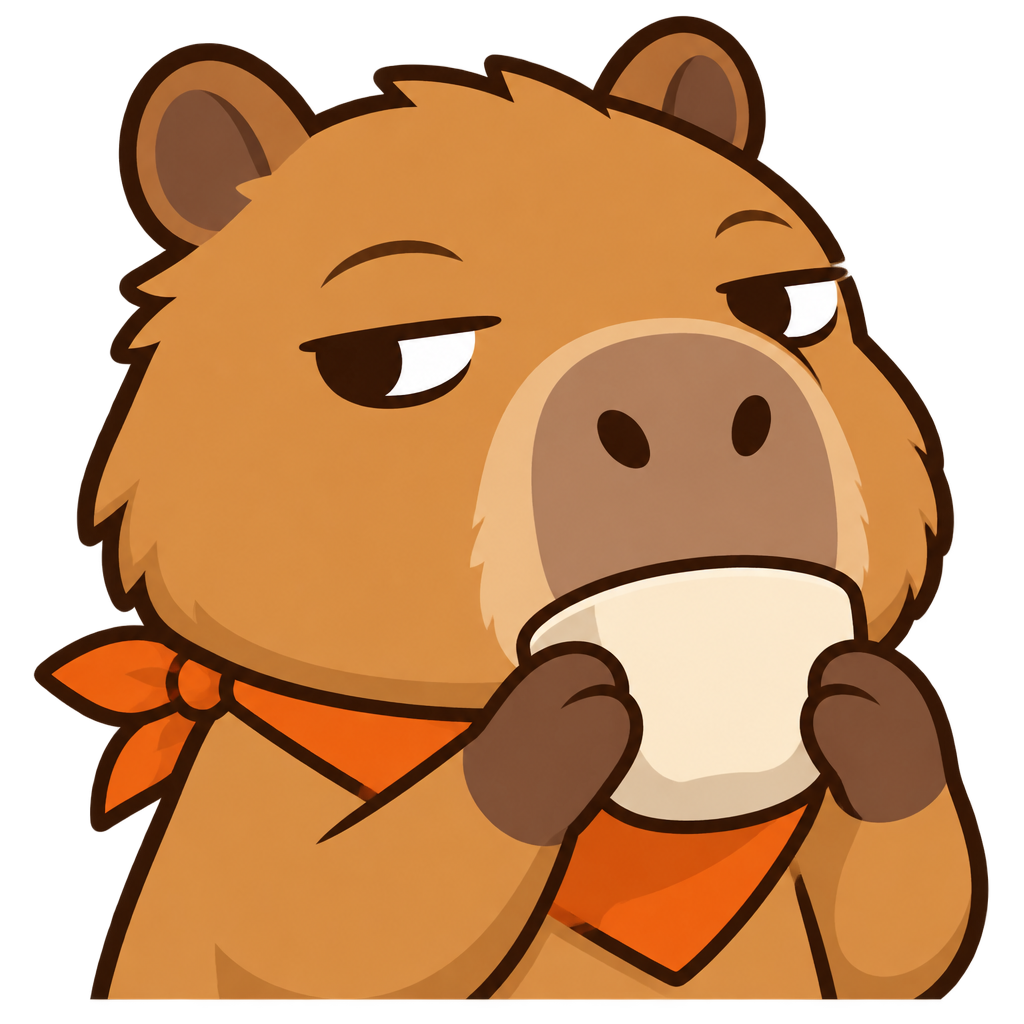
Native still image. These are display previews; downloads retain the original file bytes.
Historical original · 320 × 320 px · 16 frames. Inspect size and quality before upload; no resized package is provided.
28 px chat preview — light and dark backgrounds
The original GIF plays its embedded loop. Inspect the transition, motion and character details. These are display previews; downloads retain the original file bytes.
The examples above show individually generated characters. Use your free four-GIF test to compare your own character across Raid, Lurk, Sip, and Love.
Animated Twitch emotes for your character and community. All prices are in USD.
$5 / month
Monthly: $5 billed each month.
Yearly: $49 paid upfront for the full year.
5 GIFs per month
A small set of personal chat reactions.
$20 / month
Monthly: $20 billed each month.
Yearly: $99 paid upfront for the full year.
25 GIFs per month
Fresh reactions for your channel and community.
$100 / month
Monthly: $100 billed each month.
Yearly: $499 paid upfront for the full year.
150 GIFs per month
Larger collections of characters and chat moments.
Annual plans are paid upfront for the full year and release the same allowance each month. The yearly monthly equivalent is not a monthly charge. One free four-GIF test per Google account. Google sign-in helps us limit duplicate claims and abuse.
Compare plans and read pricing questionsWhat it does
A Twitch Emote Maker helps you turn a character idea into reactions people can use in chat. The character might be you, your pet, an original avatar or a fictional mascot. Instead of starting with an empty drawing canvas, you choose the subject and the moments you want to express: welcoming a raid, quietly lurking, sipping a drink or celebrating a win. The goal is a recognisable character with useful reactions, rather than a collection of unrelated pictures.
This Twitch Emote Maker is built around a character-first workflow using GPT Image 2.6. Choose how to describe your subject, select Twitch as the destination, build a batch of expressions and review the output format before paid generation. Examples show the kind of character and motion you can explore. They do not guarantee that every photo, pose or prompt will produce an identical result. Review the actual artwork before deciding whether it represents your channel.
For streamers
New streamers often need a small, coherent starting set. A channel with an established audience may need a reaction for a running joke, a milestone or a familiar moment during a stream. A pet can become the channel mascot, while a VTuber may want expressions that preserve an existing character’s important features. These situations share a practical need: viewers should recognise the same subject across the set without reading a long explanation.
Custom Twitch emotes are most useful when they reflect the people, jokes and habits of your community. Think about the reactions people repeatedly type, the moments when chat gets excited and the quieter ways viewers show support. A greeting and a lurking reaction may be more useful than several nearly identical smiles. An emote can help a subscriber express membership, but artwork alone does not guarantee subscriptions, retention or approval from Twitch. Pick expressions your community has a reason to use.
Four steps
First, choose the main character. Upload a reference photo, write a description, combine both, or select an original example character. You can prepare the character before deciding every expression. Next, choose the destination platform. Twitch is the supported option, so the information beside the form focuses on Twitch emotes and their chat-size previews instead of mixing in requirements from unrelated apps.
Third, search the reaction templates and select several for a batch. You can also add your own reactions in the Other field. Finally, review your character source, chosen reactions, animated GIF specification and source resolution. Go back if the summary does not match your intent. Review these choices together before spending money on your set. An account and credits are required for paid generation. One free four-GIF test per Google account. Google sign-in helps us limit duplicate claims and abuse.
Character choices
When planning Twitch emotes from a photo, start with a clear image of one main subject. A front-facing portrait with visible hair and an unobstructed face gives you a useful starting point. For an animal, choose an image that shows its ears, muzzle and distinctive markings. Your reference is a guide to the artwork. Chibi Twitch emotes change proportions, simplify details and exaggerate expressions, so the result will not be an exact copy of the source image.
You can also describe a character in words without uploading a photo. Include a few visible anchors: hairstyle, eye shape, clothing colour, a distinctive accessory or an animal’s markings. If you provide both a reference and a description, use the description to explain which details matter or what should change. Selecting one of our example characters is a separate choice: only that example is used, and your personal photo and description are excluded from that request. This keeps the source of the character clear.
Chat moments
Raid, Lurk and Sip are starting points for different chat situations. A raid reaction can celebrate your community arriving together or welcome people into a stream. A lurk reaction lets someone signal that they are staying around while doing something else. A sip or side-eye reaction can express quiet observation during a surprising or dramatic moment. None needs a paragraph of text inside the image to explain the gesture.
For chibi Twitch emotes, the template library offers greetings, supportive hearts, a salute, a celebration, a confused head tilt and other reactions. Search by the name or situation, then choose the ones that fit the character. The template describes an action, not a promise that every generated version has passed review. Keep the essential gesture large. A small cup, fist or pair of eyes can carry the meaning; tiny lettering, elaborate scenery and several competing effects can make a chat emote harder to read.
Build a batch
You do not have to build a batch one expression at a time. Select multiple templates, then review the list together. This helps you see whether the set covers useful moments or repeats the same mood. A compact first set might include a greeting, a supportive reaction, a celebration and a quiet response. You can expand it later as your community develops its own habits and jokes.
For custom Twitch emotes built around your own chat moments, use the Other field when the library does not describe what you want. Add one reaction per line, or separate several with commas. For example, you could enter a victory fist pump, a sleepy goodnight and a reaction to a channel-specific joke. Save them together and select them for the batch. Custom reactions are saved in this browser; they are not a promise of cross-device account storage. Keep each action short enough to understand, and avoid combining several incompatible gestures into one expression.
Choose a format
Static chibi Twitch emotes use a single image with simplified features and an expressive pose. It needs a clear expression and a silhouette that reads immediately. Animated Twitch emotes use a short loop to add movement to an expression. A subtle cup lift, a small wave or a short celebration can be easier to understand than constant full-body motion. EmotePack focuses on animated GIF reactions. Choose motion that improves the expression.
The review step shows the source specification for your selected format. The tested native GIF profiles use a square 320 by 320 pixel canvas: nine frames with a 1.8-second loop, or sixteen frames with a 1.92-second loop. The current static sample profile uses a 1024 by 1024 pixel PNG. These are source files, not claims that three manually resized files or a ZIP package have already been created. Independently generated stills and animations can differ in pose and small details, so compare both before treating them as a matching set.
Small-size clarity
Chat emotes are much smaller than the artwork in a gallery. A face that looks attractive on a large canvas may become unclear at 28 pixels. Look for a strong outline, distinct eyes and mouth, and a gesture that survives reduction. Keep a small number of character anchors, such as a hairstyle, a bright bandana or a clear accessory. Fine textures and several tiny decorations often contribute less than you expect at chat size.
Review each result on both light and dark backgrounds. Check whether a transparent edge looks clean, whether a raised hand blends into the hair and whether a cup hides the face. For animated Twitch emotes, watch the complete loop rather than only its best frame. Look for changing facial features, inconsistent clothing, cropped hands and abrupt jumps between the end and beginning. A valid GIF format does not prove that the drawing is readable or the character stays consistent. Reject a weak result before using it as your channel’s identity.
Twitch upload guide
| Upload mode | Dimensions and file limits |
|---|---|
| GIF · Twitch auto-resize | Square · 112–4096 px · up to 1 MB · no more than 60 frames |
| GIF · manual upload | 112 / 56 / 28 px · 512 KB per file · no more than 60 frames |
| Current native GIF examples | 320 × 320 px · 9 or 16 tested frames · check each original file’s byte size |
According to Twitch Help’s Animated Emotes guide [1], Twitch displays emotes at 28, 56 and 112 pixels. In its auto-resize workflow, Twitch accepts a larger square source image and creates the display sizes. Animated emotes use GIF files; the published auto-resize specification permits square sources from 112 to 4096 pixels, up to 1 MB and no more than 60 frames. Manual animated uploads use the three display sizes with a 512 KB limit per file. Check the current official guide before uploading, because platform requirements can change.
Animated Twitch emotes still need a file and quality check before upload. Open your Creator Dashboard, find Viewer Rewards and Emotes, choose an available slot and use the appropriate upload mode. Add the required name and assignment, then follow Twitch’s review process. Do not confuse a supported source dimension with a guarantee of acceptance: file size, transparency, content and account eligibility also matter. A 320-pixel source can be suitable for auto-resize, while a large PNG may exceed the limit even when its dimensions are allowed. Avoid rapid flashing and follow Twitch’s emote guidelines.
[1] Source: Twitch Help — Animated EmotesPaid generation
Browsing the examples and preparing a set are different from paying for generation. Before purchasing, review the main character, selected actions, output format and source specification. A larger batch should be deliberate: choose the reactions you expect to use rather than selecting every option simply because it is available. Paid generation requires an account and credits. One free four-GIF test per Google account. Google sign-in helps us limit duplicate claims and abuse.
The final batch price should be shown before you confirm a paid request. The full price depends on the generation work included in the batch; an example’s model-token cost is not a complete checkout quote. Do not assume that a low-cost sample includes reference analysis, every expression, manual resizing or additional services. If the generation service is busy, try again later. Preparing a photo or saving custom reaction names is not a completed generation, and it should not be presented as one.
Review your references
Use a photo or character design you have permission to use. A fictional example can help you try the workflow without starting from someone else’s portrait. If you use a real person’s photo, consider whether they agreed to that use. Adding a description or turning an image into a chibi character does not automatically remove rights associated with the original. Avoid assuming that a generated image gives you exclusive ownership of every visual idea in it.
Before using Twitch Emote Maker artwork publicly, review the actual files rather than relying on the sample gallery. Confirm the right character source, the intended expression, readable small-size details and a clean loop where relevant. Check the file’s dimensions, byte size and transparency. Read the privacy and terms pages for the service, and use Twitch’s official documentation for account and upload rules. The most useful set is one your community recognises and wants to use, with a clear path from character selection to a reviewed result.
Before you create
Choose the main character, select Twitch, pick your reactions and review the format and price. Your character can come from a reference photo, a written description, both together, or an original example character.
No. A reference guides the subject, while chibi styling simplifies the face and changes proportions. Important features may shift. Describe the details you want to preserve, then inspect every expression before using it.
Yes. Describe visible features such as hair, eyes, clothing and accessories. You can combine the description with a photo. If you choose our example character instead, your personal photo and description are excluded from that request.
You can prepare a batch by selecting several reaction templates. Search for moments such as Raid, Lurk, Sip or a greeting. Review the selected reactions together before paid generation; each expression needs its own quality check.
Use Other to add one reaction per line or separate several with commas. Save and select them together. Custom reaction names are stored in this browser; this does not promise cross-device account storage.
The image workflow uses GPT Image 2.6. Tested native GIF sources are 320×320 pixels, using nine frames over 1.8 seconds or sixteen frames over 1.92 seconds. Static sample PNGs use a 1024×1024 source. Review the source file, transparency, byte size and small-size readability before uploading.
160×160 is not currently a supported generation preset in this workflow: the native model rejected that tested size. Use the tested 320×320 source profile and Twitch’s auto-resize upload option. This is separate from the 112, 56 and 28 pixel display sizes in chat.
Viewing the examples and preparing your choices are free. Paid generation requires an account and credits. One free four-GIF test per Google account. Google sign-in helps us limit duplicate claims and abuse. The final batch price must be shown before you confirm a paid request.
Check the actual file first. Twitch auto-resize accepts larger square sources, but dimensions alone are not enough: GIFs must meet its size, frame and content limits. Your account needs an available eligible slot. Twitch controls review and acceptance; generated artwork is not automatically approved.
A native image file can still have an unclear gesture, a soft transparent edge, changing details or too many bytes for Twitch. The example PNGs and GIFs were generated independently and can differ. Preview the smallest chat size and check the complete loop rather than relying on a large gallery image.